Productivity & Thinking
How to Manage Time at Work: 8 Tactics for Singapore
How to manage time at work — 8 tactics for Singapore professionals: weekly review, time blocking, calendar defence, email batching, and focus blocks.
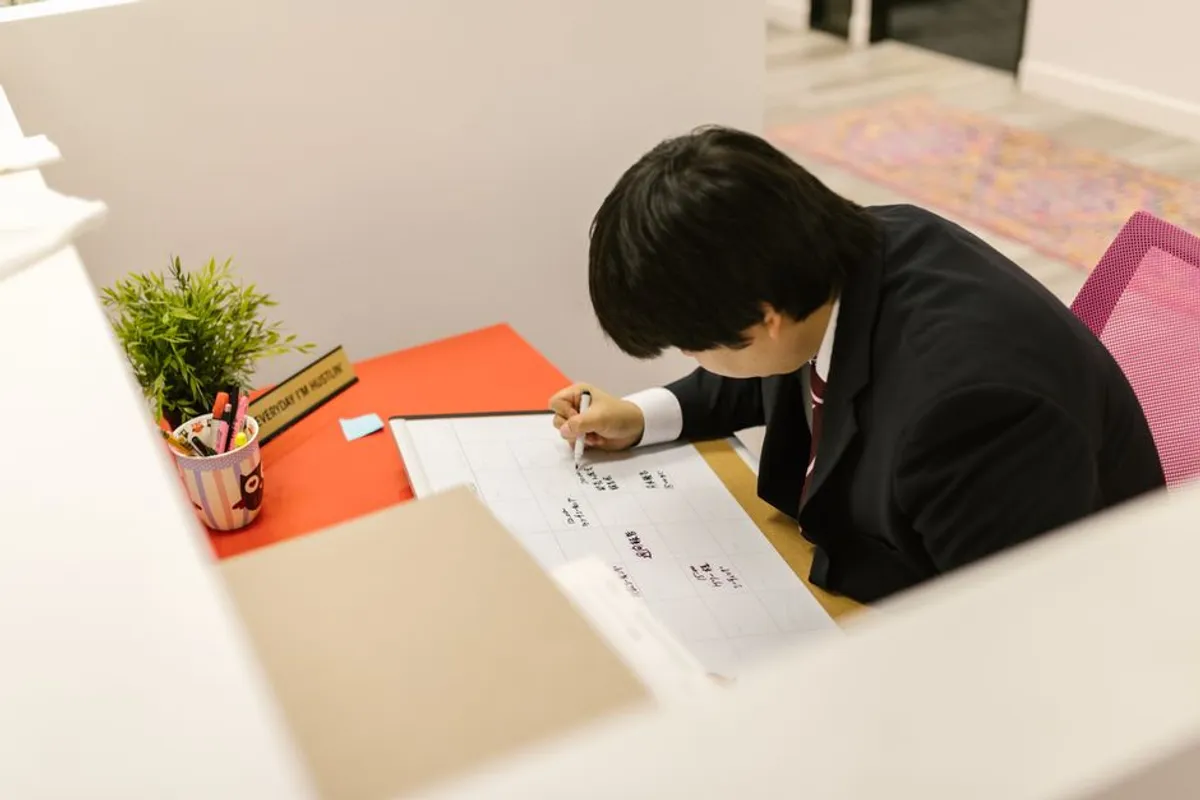
The three things that decide whether your week is productive or busy: (1) time-block the three things that actually move the needle on Monday morning. (2) Batch email into 2-3 fixed slots, not as a constant background task. (3) Protect one 50-minute focus block per day — same time, every day. Everything else is decoration. Tactics below.
If you have ever ended a Friday wondering what did I actually do this week? — your problem is rarely effort. After 24 years of training working professionals in Singapore, I can tell you the gap is almost always calendar discipline. The hours got spent — they got spent on someone else’s priorities.
Here is a useful way to think about it. Your work week is like a luggage allowance. Fixed. 40-50 hours, depending on the airline you flew. By Sunday night, you have already booked it — the question is just whether you booked it or whether it filled up with other people’s bags. This article is about packing your own week first.
1. The luggage-allowance reality
Time management writing tends to skip a basic accounting step. Open your calendar. Add up the hours you have. For most Singapore professionals it is roughly 45 working hours a week — minus interruptions, minus commute-on-meetings, minus the lunchtime that you will eat at your desk anyway.
Of those 45 hours:
- 15-20 hours go to recurring meetings
- 5-10 hours go to email and Slack
- 5 hours go to context switching, walking between meeting rooms, and getting coffee
- The remaining 10-15 hours is your real productive capacity
That is the truth most productivity articles avoid. You don’t have a 45-hour week to optimise; you have a 10-15 hour week to defend. Once you accept the math, the rest of the techniques in this article stop sounding optional.
2. The Monday 15-minute weekly review
The single highest-ROI habit in this list. Every Monday, before opening email:
- List the 3 outcomes you want this week. Not tasks — outcomes. “The vendor proposal is signed off” not “work on the vendor proposal.”
- Block time for them in the calendar. If they don’t get blocked, they don’t get done. Calendar them as appointments with yourself.
- Review the meetings you said yes to. For each: outcome clear? Could be an email? Decline or delegate?
Fifteen minutes. Done before email. That is the entire ritual. The professionals who feel in control of their week have some version of this; the ones who feel chased usually don’t.
If you have 5 minutes, list the outcomes. If you have 45 minutes, list the outcomes, block the time, and draft the pre-meeting brief for the week’s important meetings. Same logic, scaled.
3. Time-block the 3 priorities
The Eisenhower matrix is famous because it works — but it is too granular for a weekly view. Three priorities is enough.
For each of your three weekly outcomes:
- Block 2 hours, in one or two sessions
- Schedule them in your morning if the work is analytical
- Defend them as appointments with another person — because that is what they are. The other person is future you
The two-hour block is non-negotiable. Most analytical work needs an uninterrupted run-up of 25-40 minutes before it gets useful — context-switching destroys this. A scattered hour of work is worth maybe 30 minutes of output. Two protected hours is worth six.
Setting concrete weekly goals and time-blocking them is the same discipline applied to a 7-day window.
4. Defend the calendar — saying no to meetings politely
Roughly 30% of meeting invitations in any given Singapore corporate calendar would disappear if the recipient asked one question: “what’s the outcome you’d like from this meeting?”
The polite scripts:
For an unclear meeting: “Happy to join — could you let me know the outcome you’d like? That’ll help me prepare the right materials.”
For a meeting that should be an email: “Looking at the agenda, I think I can give you what you need by email — would that save you the slot?”
For a meeting where you don’t add value: “I’ll be more useful if [Name] attends instead and I get a 5-minute summary after — happy to do it that way?”
For a meeting where you’re the wrong person: “I think this is closer to [Name]‘s area — should I forward the invite?”
Singapore corporate culture rewards graceful no’s. Decline as a service to the meeting (clearer outcome, right attendees) rather than as an inconvenience to the organiser. The relational cost is near zero; the time recovered is enormous.
5. Batch email — the 3-touch rule
Email checked constantly is the single most expensive time-tax in modern work. The fix is simple, hard to follow.
Touch email three times a day, at fixed times:
| Slot | Time | Purpose |
|---|---|---|
| Morning | 9:00–9:30 | Triage overnight + reply to anything urgent |
| Mid-day | 1:00–1:30 | Action items from morning meetings |
| End-of-day | 5:00–5:30 | Close the loop, prep tomorrow’s first email |
Outside those slots: closed. Notifications off. The chain of polite follow-ups you handle in batch is more efficient than the same chain handled in 30-second bursts across the day.
The 3-touch rule fails if you keep one tab of email open “just in case”. Close the tab. The world will wait 90 minutes.
6. The 50-minute focus block
One block a day. Same time every day. Locked.
The structure:
- 5 minutes setup. Decide exactly what you will work on. One thing.
- 50 minutes. No email, no Slack, no phone. If a thought intrudes, write it on a sticky and continue.
- 5 minutes review. What did I produce? What’s next?
That is your hour. Most professionals have one of these in them per day, naturally. The trick is protecting it. Put it on the calendar. Mark it busy. Decline meetings during it. Within four weeks, your colleagues will route around the block and you will have permanent uninterrupted analytical time.
The 50-minute number is not magic. The point is long enough for context to load and short enough to sustain. Pomodoro’s 25 minutes is too short for analytical work; 90-minute blocks demand sleep and caffeine most working professionals don’t reliably have.
7. The end-of-day 5-minute reset
The cheapest productivity habit on this list. Five minutes before you leave the desk:
- Write tomorrow’s three priorities on a sticky.
- Empty the inbox to triaged or replied. Anything not done becomes a calendared task, not an email.
- Close everything. Browser tabs, documents, the lot. Tomorrow starts clean.
The reset works because it converts tomorrow’s first hour from a “what was I doing?” hour into a “executing the sticky” hour. Over a week, that is roughly 4 hours of recovered productive time. Over a year, you will not believe the difference.
A pattern from the training room. I once worked with a senior manager in a Singapore MNC who came to a time-management workshop convinced she needed to learn a new system. She had read the books. She knew Eisenhower, GTD, Pomodoro. The week before, she had worked 62 hours and produced almost nothing. We didn’t add a system. We took one away — closed her email tab. Replaced it with three fixed slots. Within a month she was back down to 45 hours and the work was getting done. After 24 years of training the same pattern repeats: most professionals don’t need another time management technique. They need to use one consistently, and defend it. The defence is harder than the system.
8. Energy management vs time management
A perfectly scheduled day after a bad night’s sleep produces less than a roughly-scheduled day after good sleep. Time management without energy management is half the picture.
Three energy levers:
- Sleep. The single highest-ROI productivity input. Six hours of sleep is not a virtue — it is a measurable IQ tax.
- Lunch away from the desk. Eating at the laptop feels productive and reliably destroys the afternoon’s focus. A 20-minute walk lunch is worth two hours of post-lunch concentration.
- The Sunday boundary. Email on Sunday evening primes you to start Monday already behind. Closing the laptop at Friday 6pm is one of the most disciplined Singapore professional habits — and one of the rarest.
The same drill-then-deploy logic from the rest of building soft skills applies here. Time management is a habit muscle, not a system. You don’t need more apps. You need to use the system you already have, every Monday morning, for six weeks. Your work-life balance recovers as a side-effect — not as a separate project.
The natural sequence is: review Monday → block the three priorities → defend the calendar → batch email → focus for one hour daily → reset at end-of-day. Six steps. Each takes minutes. Together they reshape a working week.
I hope you find one tactic in this article that fits your week. Pick the smallest one — the Monday 15-minute review — and try it next Monday before opening email. That is enough. The rest builds from there.
If you want a structured course where a trainer reviews your actual calendar and gives you live feedback, Time Management (WSQ) is the 2-day course version of this article. SkillsFuture credit eligible.
Hero and in-body images via Pexels.
Frequently asked
What is the best time management technique for work?
There is no single best technique — there is a stack that works together. The base layer is a weekly review. On top of that, time-block your three priority items, batch email to fixed slots, and protect one 50-minute focus block daily. Section 2 onward walks through the stack in order.
How do I prioritise my tasks at work?
Three filters, in order. (1) What is **due** this week — non-negotiable. (2) What is **important but not yet urgent** — schedule it now or it becomes urgent later. (3) What only **looks urgent** but is someone else's priority — reschedule, delegate, or decline. The Eisenhower matrix is the long-form version; section 2 has the 15-minute weekly version.
How do I say no to too many meetings?
Use the 'agenda + outcome' filter — if a meeting invitation arrives without a clear outcome, reply asking for one before accepting. Roughly 30% of meetings disappear after this question because no one had thought it through. Section 4 has the polite decline scripts.
How long should a focus block be?
50 minutes works for most professionals — long enough to do real work, short enough to sustain. Pomodoro's 25-minute version is too short for analytical work; 90-minute blocks need above-average sleep and caffeine to hold. Section 6 has the focus-block routine.
What's the difference between time management and energy management?
Time management decides *when* you do the work; energy management decides *whether you can*. A perfectly scheduled day after a bad night's sleep produces less than a roughly-scheduled day after good sleep. Section 8 covers the energy layer.
Is there a course version of this article?
Yes — Time Management (WSQ) is the structured 2-day course version with a trainer who reviews your actual calendar and gives you live feedback. SkillsFuture credit eligible (see [SkillsFuture Singapore](https://www.skillsfuture.gov.sg/) for credit details). In-house corporate options also available.
About the author
Vinai Prakash
Founder & Principal Trainer, SoftSkills.sg
Vinai has trained 48,000+ working professionals across 12,600+ companies in Singapore over 24 years. He is ACTA-certified, holds a PMP, has an MBA in eCommerce, and authored Excel Crash Course (BPB Publications). All trainers at Intellisoft Training are ACTA or DACE certified with 20–25+ years of industry and teaching experience.
Related reading
More on soft skills
How to Prioritise Tasks at Work: 3 Methods + a Drop List
How to prioritise tasks at work — Eisenhower, ABC, and MIT methods compared, how to pick by the day you're having, plus the drop list of tasks to skip.
How to Say No to a Meeting Politely: 5 Decline Scripts
How to say no to a meeting politely — the agenda-and-outcome filter, 5 decline scripts, when declining is wrong, and a proxy alternative for packed calendars.
How to Stop Procrastinating at Work: 3 Causes + 4-Week Plan
How to stop procrastinating at work — the 3 root causes (ambiguity, fear, low energy), the 5-minute start rule, and a 4-week protocol that sticks.
Want the full curriculum, outcomes and upcoming dates? See our Time Management (WSQ) course page, or browse all soft skills courses.
Want to build these habits with a trainer guiding you? Book the WSQ Time Management course — WSQ-funded and SkillsFuture-claimable, run by Vinai's training team.